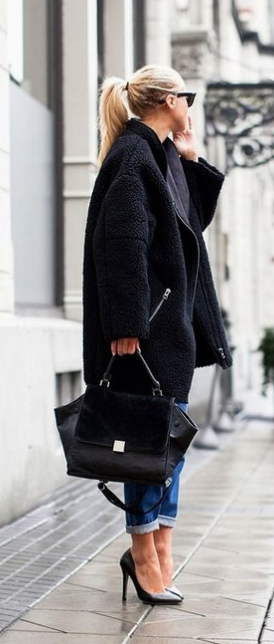
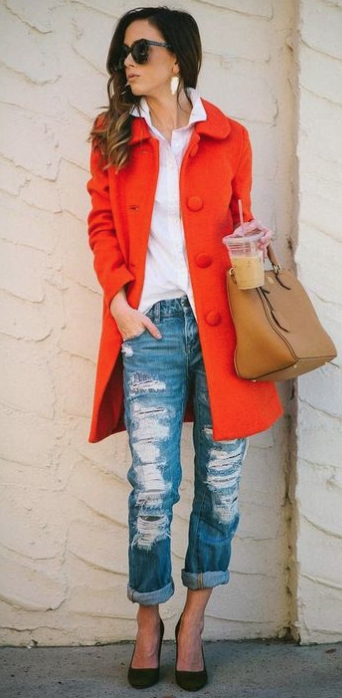
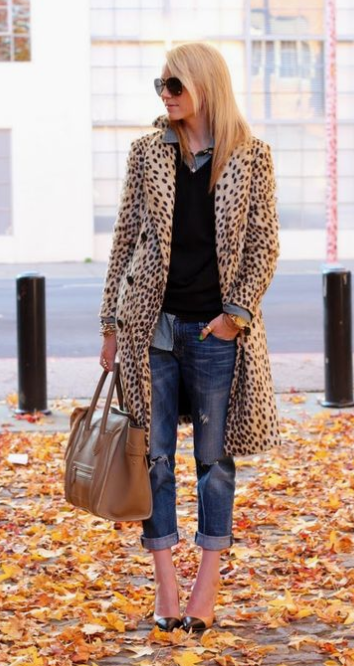
The Self Employed Uniform

The Self Employed Uniform

I was getting dressed, cleaning up this morning, and making the bed, the usual routine, when it occurred to me - I wonder what other self-employed people actually reach for and tend to wear on a daily basis. 

The Architect

Previously I've worked as an Architect in an office so I had to look both professional and also wear clothes that I would pop out onto site in. This meant a cheap-ish wardrobe of smart trousers and layered tops, usually from Primark or whatever. There was never anything cool or trendy about my work wardrobe - I mean I was in a hard hat and steel top-capped boots 50% of the time. 

The Lecturer

Then, moving into Academia at a private design school, my wardrobe got a lot more fun - the fact the school was in India meant I could experiment with what I wore a lot more and never felt judged or unprofessional. I could express myself more, try Indian outfits on our 'cultural days', and wear what I really felt like 'me' in. 

be comfortable, be yourself

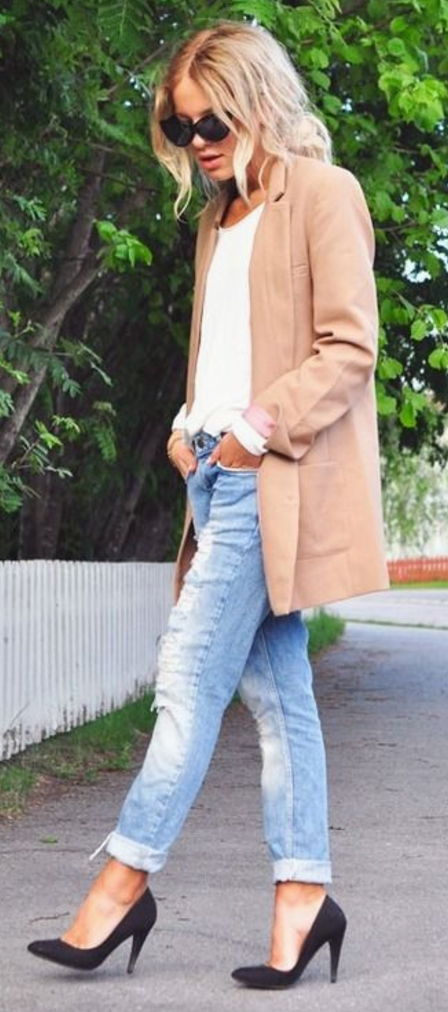
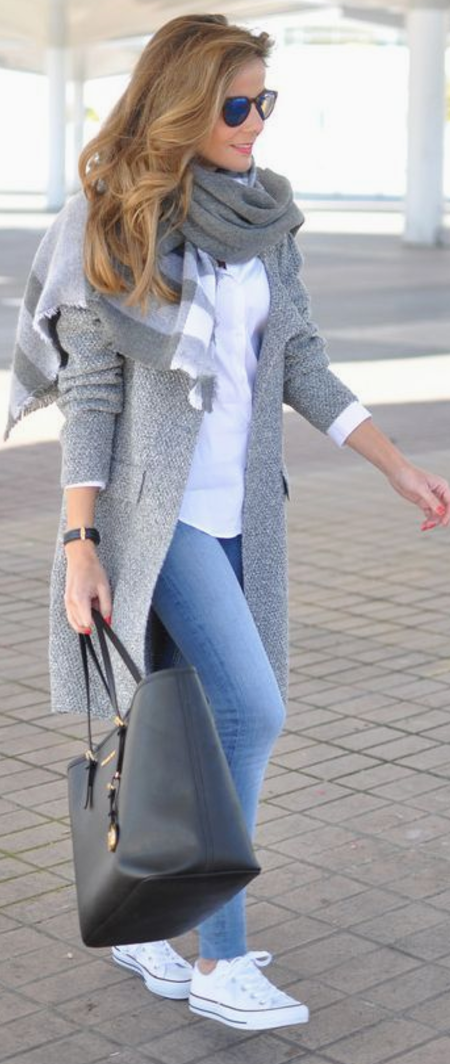
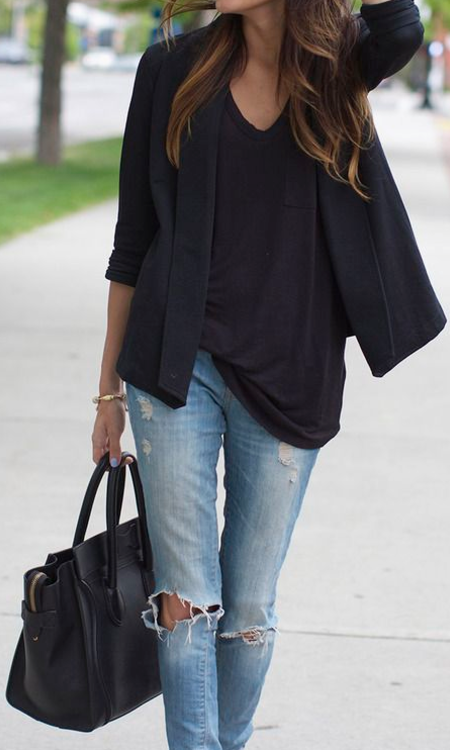
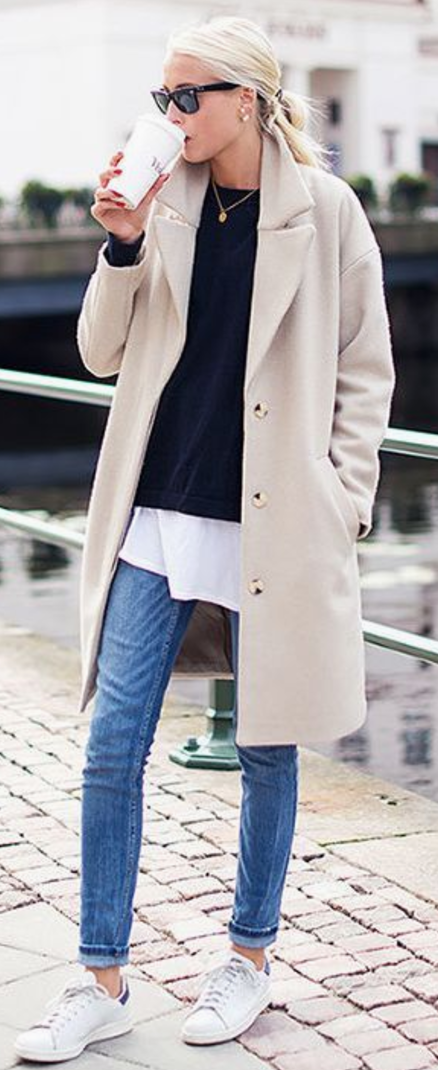
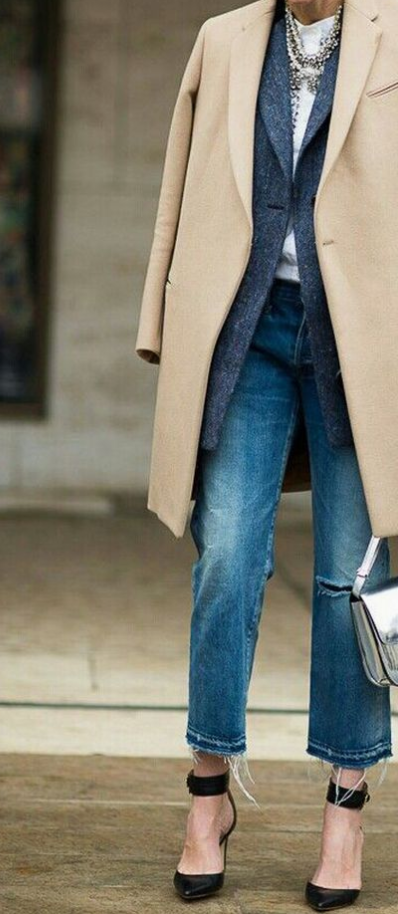
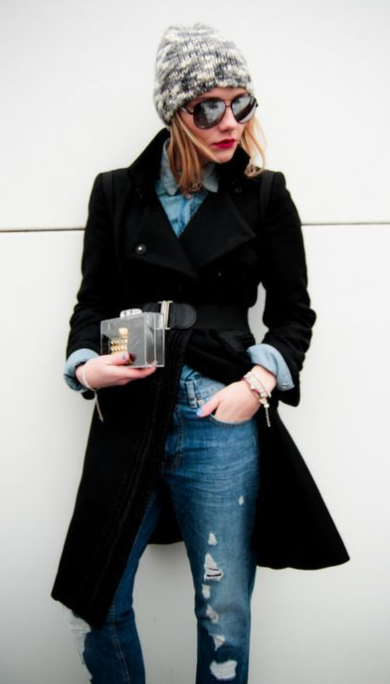
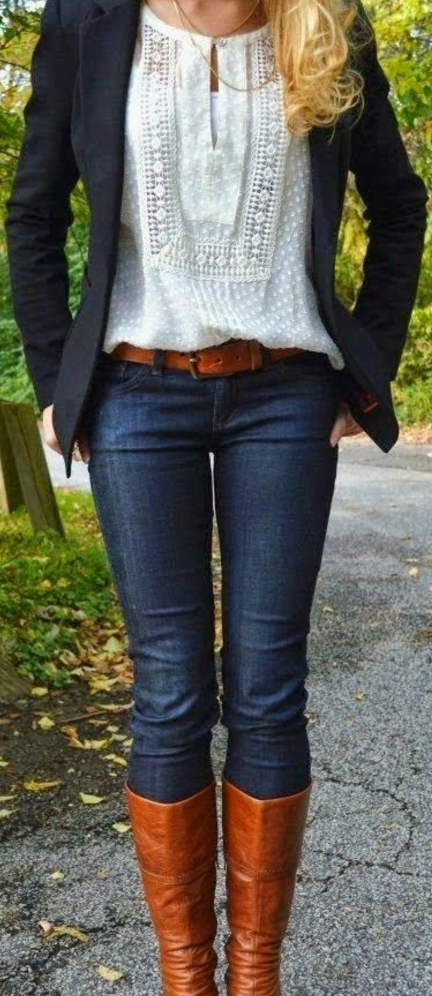
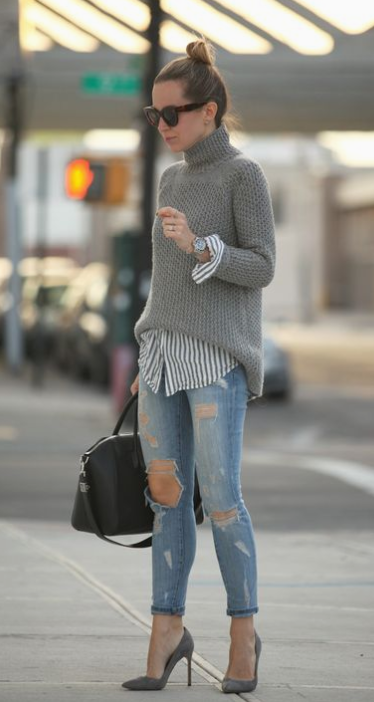
This idea of feeling like 'me' is an interesting one, something that I thought would have developed over time and I would have my own style but in reality, I maybe dress up into the style but I live in and spend most of my time in my jeans and a simple top. I think it’s more about the material; the soft worn-in feeling is just so comforting. I tend to wear Zara skinny straight-legged blue wash jeans and a simple top. The top never matters much but I'm so lazy in my hunt for comfy clothes in the mornings that I also tend to live in sports bras. Maybe that’s TMI??

an identity

A uniform to me is something that helps present you in the role you have. A Doctor, a Firefighter, a Bus Driver, a Sale Assistant, etc. But if we don't work in professional or service-related jobs then the 'uniform' is more a perception thing, perhaps the way we dress is more about the way we think we should dress for that role or be seen as that employee. 

Dress the part, for success

I dress for comfort but also to feel more confident, to empower myself. I vlog looking, however, I do at that time but I make more effort for a sit-down video. I want to be seen at my best and my best is neat and presentable - teeth brushes, hair done, make-up on, thoughtfully selected clothes. My jeans are comfortable and they make me feel good, so I am more confident. I'm sure you'd agree, I don't want to wear something I'm not comfortable in as I'll feel self-conscious. 

inspiration
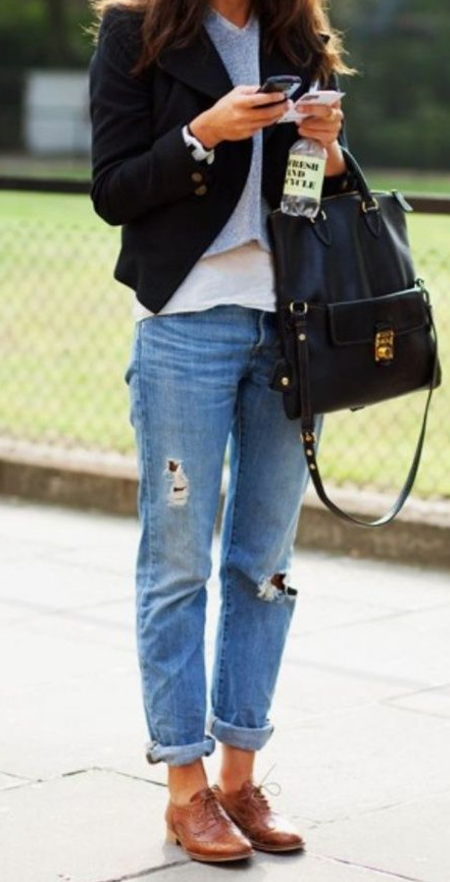
Don't get me wrong, I completely appreciate a good pair of PJs or leggings - I'm often wearing PJ bottoms when I sit down to film - but I thought I'd put this out there and see what you guys tend to reach for, what are your "comfies" and if you're also self employed, what do you consider your uniform. 


what's your Self Employed Uniform?

FREE Mini Course #RockYourDegree

FREE Email Course #RockYourDegree

It's almost a year since I left my role as Senior Lecturer back in the UK to move to Iceland. In that time I've achieved so many goals that were on my To-Do list but there was a 'Student Advice'. I wanted to form an output, a way of offering my answers to all those questions previously asked to me and pass on the same advice to other students. So I got typing and created my first email course. 

It simple. You sign up for the FREE emails and you will immediately be sent Day 1 of the 5 Day email course. The course runs over 5 days so you'll get an email each day. Each email focuses on a different topic and they're packed with information and useful links. I hope you get loads out of this email course so let's get started and #RockYourDegree


DAY 1 - Clear Your Space, Clear Your Mind

  • How to be organized and focussed

  • How to best storage equipment and materials

  • How to store stock for online shops, i.e. Etsy

  • The importance of storing and keeping all student project work

  • What to do with physical models, saving and backing up digital work

  • Online Portfolio

DAY 2 - Inspiration + Motivation

  • How to stay focussed, inspired, and motivated

  • How to create moods boards and sketchbooks

  • The importance of evidencing your design process within the sketchbook

  • How to get in the habit of using the Library

  • Sorting your Instagram feed to reflect you as a designer

  • Pinterest

  • The benefits of teamwork and a study group

  • How to look after number 1

DAY 3 - Plan + Prepare + Present

  • How to be organized so stress doesn't get the better of you

  • Staying onto of dates and deadlines

  • The Library

  • Apps to help you stay organized in project management

  • How to prep your mind, space, supplies, and food ready for any project or challenge

  • Presentation tips for before, during, and after your presentation

  • What is professionalism

  • What to do if you fail

DAY 4 - Communication, Connections, Collaborations

  • Communication and note-taking

  • How to contact faculty (your lecturers)

  • Writing academic work

  • LinkedIn

  • Your online presence

  • Networking

  • How to get the most out of Uni social events

  • How to approach an office for help, internship, or employment

DAY 5 - Let’s Get Real

  • The course finishes with a bit of perspective on studying and graduating

  • And...ideas on how to show off your skills and stand out from the crowd

How to Safely Use a Scalpel and Cut Model Materials

How to Safely Use a Scalpel and Cut Model Materials

Using a scalpel is an essential skill for model making in architecture and design. This guide walks you through how to cut materials safely, avoid accidents, and create your own DIY sharps disposal box-simple steps every design student should know.

Read More

Job Interviews and Dealing With Rejection

Job Interviews and Dealing With Rejection

Getting a job interview can be exciting but also pretty nerve-wracking. I just found out that I didn't get the job I had interviewed for here in Reykjavik so I wanted to write out some points to help anyone else who is going through the stress of job searching, applications, and the interview process. 

watch the video

ASK FOR FEEDBACK

If you’ve gotten through a few rounds of interviews, the interviewer(s) have probably gotten to know you well so there’s no harm in asking for feedback at the end of your follow-up email. There is always a chance that they won’t provide feedback because it might be seen as a liability or they are short on time.

REFLECT on the interview

Maybe the interview didn't go as well as you hoped (were you on time, dressed appropriately, prepared, or too nervous, did you research the company, understand the position, or ask good questions?)

You had a glaring typo in your resume or cover letter (mistakes happen but this is the no 1 reason employers don't call people back)

Take some time to reflect on your experience and think about what went wrong. This will allow you to avoid making the same mistake in the future. Think of it as a learning opportunity, to be a better candidate next time.

MAYBE the job or company WASN'T A GOOD FIT

Sometimes it's not about you or anything you could have done (or done differently). One thing I learned from hiring people is that there are so many great candidates and there are also a lot of behind-the-scenes decisions that go into each hire. Sometimes the decision to not hire you truly has nothing to do with you.

If you reflect on your experience, and can't find anything that went wrong, it's possible that nothing did. There could have been someone with one more year of relevant experience or knowledge of one more computer program.

LET IT GO

Don't be hard on yourself. Don’t take it too personally - everyone goes through this at some point. Move on to the next application - the job that is right for you is out there. Realize that the hiring process often takes time

Keep Applying

  • You'll be able to focus better on the next application if you can get excited and motivated for it.

  • The job search can be very stressful…

  • Keep a positive attitude

  • Remain optimistic

  • Apply for multiple jobs within the same area

  • Approach companies even if they aren't advertising

  • Focus on continually learning and improving

  • Keep your CV and LinkedIn up to date

  • Practice makes perfect so do mock interviews

  • Network - it’s often who you know!!

Remember, there are a lot of things in life you can't control but do your best at what you can. Be prepared and present yourself to the best of your ability. Good luck and feel free to comment below with your stories.


are you currently job hunting or about to start a new job?

How To Start a YouTube Channel

How To Start a YouTube Channel

So you've decided to venture into the world of YouTube, and maybe even upload your first vlog. Well, a newbie myself a few months back, I've learned a few things over the last weeks of filming, editing, and uploading that I thought I would share with you today. 


Welcome to YouTube

First off, you'll need an account. I had one set up from years ago, I honestly don't remember setting it up but it was there. Pick a name that makes sense to you and your community of followers, if you have a blog or try to get your own name. I changed the name, added the profile picture I use on my social media so it all links, and gave my channel some (very simple) channel artwork. 

The first Vlog

For me, filming out and about was fine - mostly because I had just moved to a new country so no one would recognize me. This was the point though, to record my new life and its ups and downs. Week one started and I had a rough idea of what my week would entail, so I knew I have things to film. The awkward part came when I sat down to film the intro and outro. I was in the sitting room, all alone, just me and the camera. It was surreal. In hindsight, I think the best way to deal with this is to hit record, talk at the camera until you feel 'warmed up', delete all of that footage and then go for it properly. Instead, I was faced with editing for about an hour of me nervously trying to speak and messing up, a lot. Avoid this to save your own sanity. 

I now find myself setting up my camera and talking with relative ease or vlogging as I walk down the street - it's only when I think about what I'm doing, that I catch someone’s odd look or they ask if I want my picture taken that it becomes obvious to me how odd it is. 

Filming

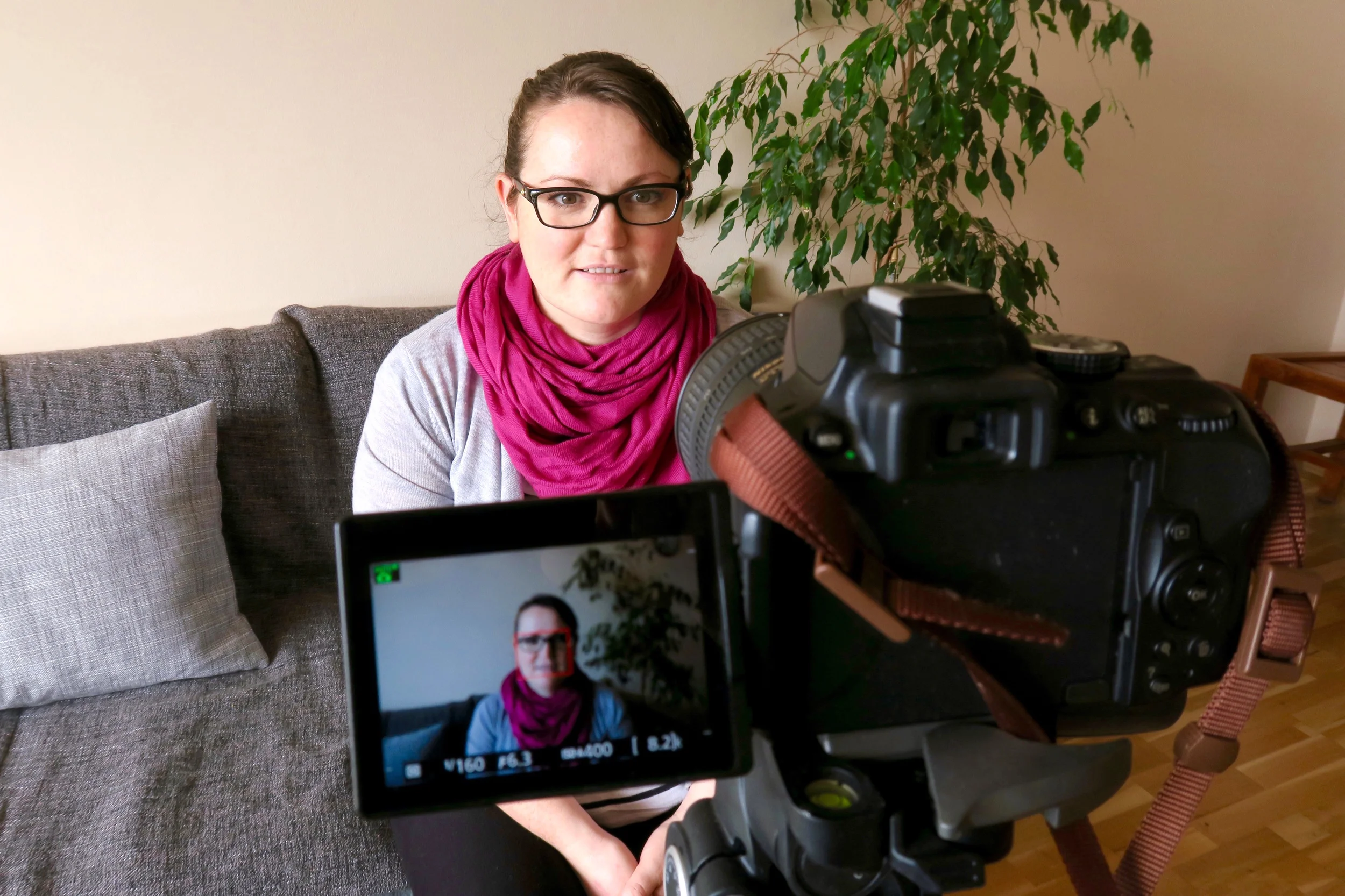
For my sit-down videos, I use my Nikon D5300 on a large adjustable tripod. I would like to invest in a microphone as I think the sound quality would improve a lot but all in time. I use my Nikon 18-70mm f3.5-4.5 to film with and take close-up shots with my Nikon 35mm 1:1.8 and Nikon 18-55mm 1:3.5-5.6. To make sure I'm in focus, I use a remote control for filming, this also allows you to take photos for your thumbnail. 

Vlogging - generally people will find it a bit odd. It's still a new thing to do. I vlog on my Canon G7x and I sometimes use my medium-size Gorillapod tripod with this. This is quite a standard vlogging camera and has a nifty flip screen so you can see yourself as you natter away. This is good but it takes a little getting used to so you aren't distracted by looking at yourself all the time. As far as 'point and shoot’ cameras go, it's a big camera so a little heavy but it's a great one and I love mine. I also have a nice little collection of SD cards too so I never run out of space, I recommend a 64GB to start off with and I have two 32BG cards as spares. I also have a GoPro but I've not ventured into that yet. 

Thinking of where to film is important so consider your backdrop, lighting, and noise. Set yourself up with your camera on a tripod (or a stack of books, etc), sit in a comfy chair or on the end of your bed, and face good lighting (I use natural lighting because let's be honest, I don't have professional lights after getting the camera, lenses, tripod...). I try my best with backgrounds but we are still setting up home so this will improve. Try to think of acoustics too, avoid an echo and edit out background noise such as neighbours and bin lorries, etc. Sometimes I film in my studio, it's a little echoey so I bring in some cushions and so on to absorb the sound - it’s hilarious what's going on behind the scenes!!

Editing

I use iMovie on my MacBook and back up all my videos to my external hard drive so they don't take up loads of storage on my laptop. I find iMovie very easy to use and when I have a problem I tend to find a tutorial on YouTube that can help me. The editing is relatively straightforward and user-friendly, and I am getting a lot quicker at it each week. I like adding titles and little notes in my videos so I use the titles sections and add my fonts to match the branding of my blog. Music is starting to become an issue as finding copyright-free and user-friendly music can be difficult. YouTube has a library you can download from in their creators’ suite so I'm exhausting that first.

To help you get an idea of what it all looks like, here's a screenshot of a video I am currently editing. 

Editing yourself - you'll get sick of hearing yourself starting each video with "hi guys" or something as cheesy but you get used to hearing your own voice played back. You get used to always having a camera on you and, hopefully, it will become quite natural to bring your camera out of your bag and start talking to it as you walk down the street.

The whole process

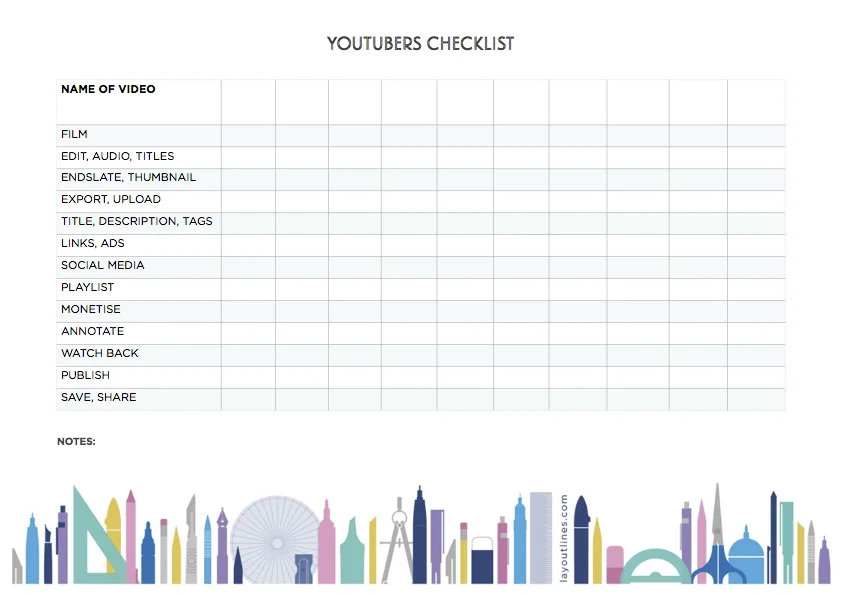
I made this nifty little checklist to ensure I'm happy with my videos before they go live. If you like, feel free to download it and print it out. Try planning out your first 10 videos and give them a title. Once you have filmed some footage and are ready to edit, start working down the checklist ticking each item off as you go - you'll soon be on a roll with content!!

DOWNLOAD THE YOUTUBERS CHECKLIST NOW

Titles

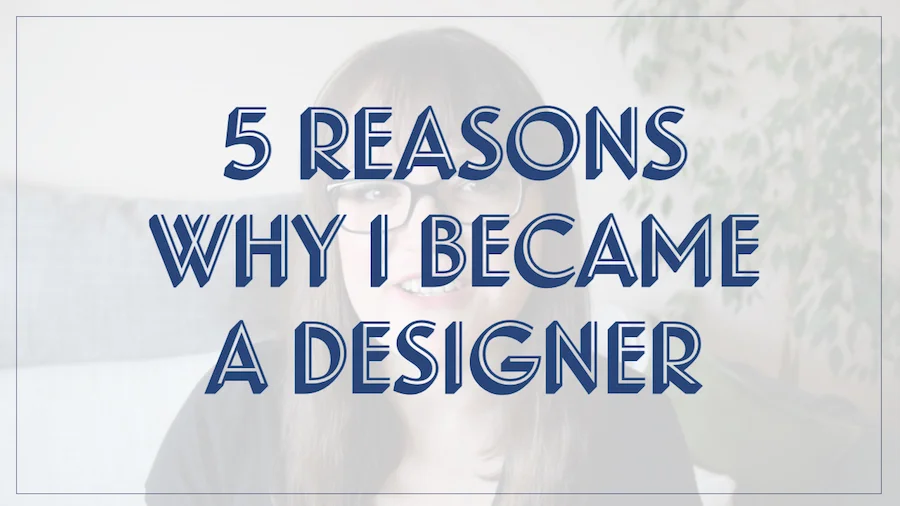
People say "Make your titles catchy, so they entice the viewer in". This is up to you really but I don't like to be misleading and, for now, I'm happy sticking with "Moving to Iceland..." or "Living in Iceland - week 1..." until I get a little more creative. I've started doing more architectural / designer-related videos and at the moment they are simply titled "5 Reasons to become..." or "10 Reasons I became..." so I have a good starting point that introduces the direction of my content and I plan to do a lot more of this kind of content. I also add my name into the title so it's more search engine friendly and try to make my tags and keywords part of the title too, i.e. architecture, study design, travel advice, etc.

Thumbnails

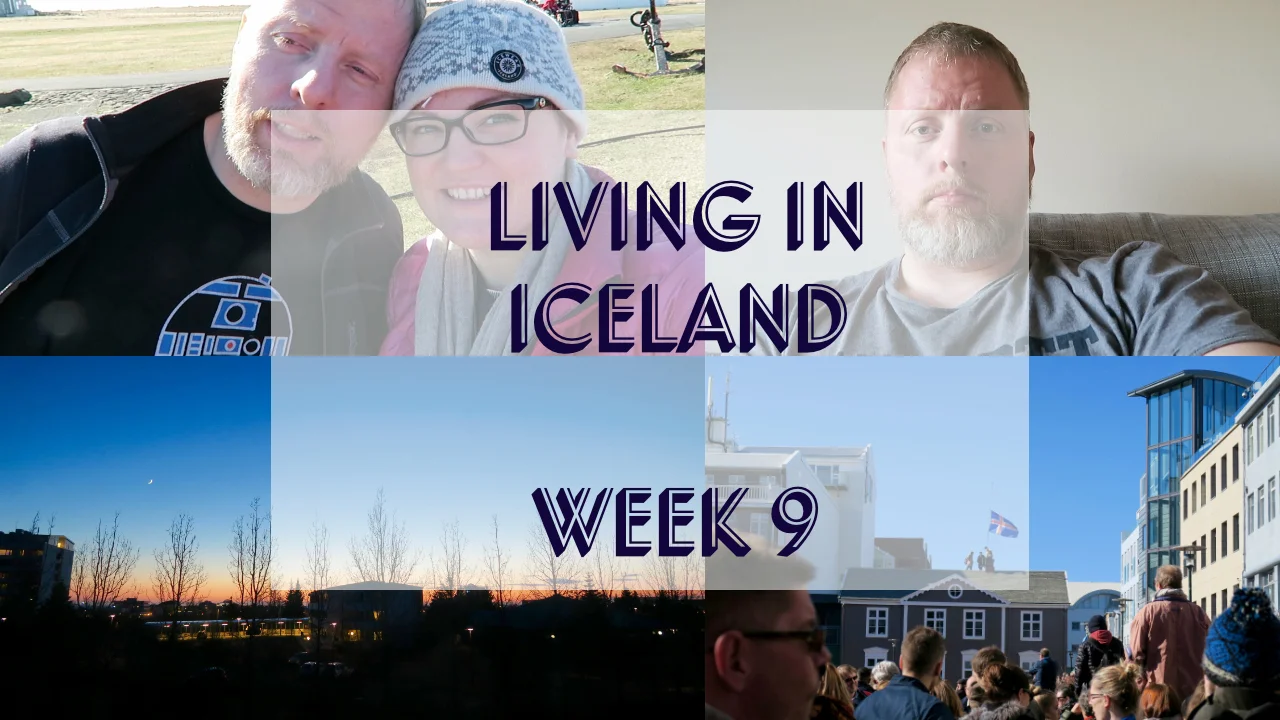
I make all of my thumbnails. If you don't have access to Adobe or similar design software then I recommend using sites like Canva and PicMonkey. I usually use four images from the vlog to make up the thumbnail giving an insight into the video, and then add text with the title on top. For the other more focused content videos, I tend to use one main image (either of me or the item I'm talking about) and then add a filter on top with the title written in the font and colours that match my branding. When designing your thumbnails think of how small they are displayed in the sidebar. Make your text legible and aim for lighter images as they stand out more. 

Downbar

This is the information bar, located below your video on YouTube. People can click on this to expand it and read more about you and your video. It's good to give a short description of the video, introduce the people featured in it, including any relevant links, and state where you got any music from. Try to shortener links so they are more click friendly, I use a URL shortener. This is a good way to share your website and other social media links with your viewers. If you feature products, etc then consider putting a disclaimer in here. 

Tags

Tags are like keywords, they will help you get more views so think of relevant search terms your ideal viewers will be using to find your video. These will change as per the content of your video so fill that box with good search terms i.e. "vlog", "moving to Iceland", "travel", "ex-pat", "living abroad", "culture shock", etc. 

Share it

Once you have your video uploaded onto your channel, you are going to want to get views so start telling people about it. Tweet, Instagram, and Facebook the heck out of the link. Do this for the first few videos so they pick up clicks and shares. After that, and once you have some subscribers, it's up to you BUT if you don't share it, who's gonna know about it?! Make use of all that social media.

Comments

The good, the bad, and the ugly. You're putting yourself out there, online for anyone to watch and form an opinion of. Haters Gonna Hate and all that. Having said that, I've been very lucky with comments and have only had a few thumbs-down clicks. I love it when people comment, I always comment back and think it's important to communicate with your viewers, form a connection, and hopefully, they will keep coming back. I get lots of really lovely emails too, to be honest, I've found my viewers to be nothing but encouraging. 

Make a welcome video

Make an 'intro' type welcome video for newcomers to your channel, this plays automatically so they see a short introduction to you and your channel ad will hopefully subscribe and watch your videos. Plan out what you want to say and show, keep this short (about 2-3mins) and try to give an overview of what your channel offers. Be upbeat energetic, and friendly, and make it interesting so they want more.

Go, Get filming...

It's a nerve-racking thing to start doing, I know. I have some footage from a trip to India*, I filmed this well over two years ago and haven't edited and uploaded it yet. This was the first video I made with the idea of uploading it to YouTube. But I kept putting it off. Mainly because I was too nervous to put it out there. Why would anyone watch it, who am I to share my travel video anyway? And, I knew I'd have to film an intro - at least explain why I had filmed it. I liked the idea of making videos and sharing them online but it wasn't until I moved to Iceland and had what I could call 'a a legit reason to make vlogs' that I did it. But you know what...you don't need a reason, just go for it. Do it for you, because you want to. 

how to vlog

Subscribe to my channel here